

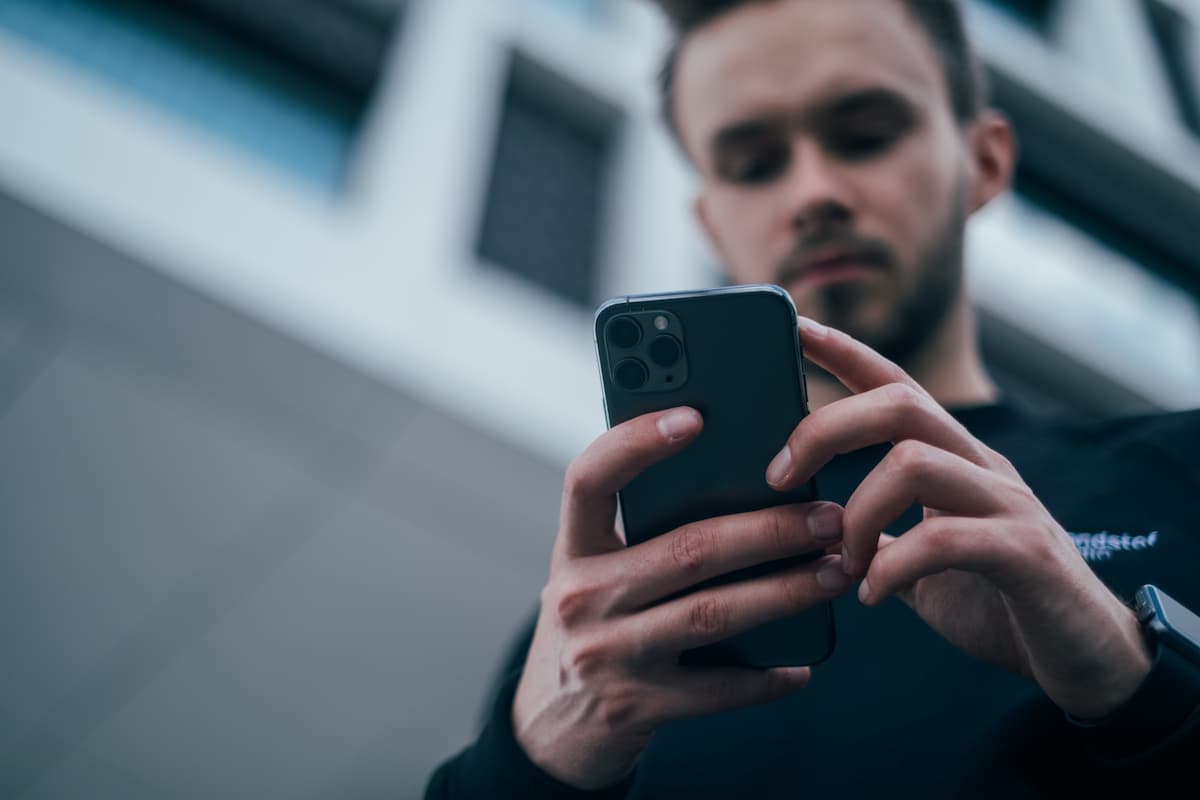
 Reach for your phone instead of your card at checkout and you're using technology that barely existed in most pockets fifteen years ago. Digital wallets have gone from novelty to default for a lot of shoppers, and the reason isn't really convenience. It's what happens to your card number the moment you tap to pay: the merchant never actually sees it.
That distinction matters more than most people realize. Here's what a digital wallet is, how it protects your information, and where you can actually use one.
A digital wallet, sometimes called an e-wallet or mobile wallet, is an app that stores your payment information securely on your phone so you can pay without pulling out a physical card. Apple Pay, Google Pay, and Samsung Pay are the three you'll run into most often, and they work with most major debit and credit cards, including the ones tied to your checking account with us.
The important part is what the wallet does with your card once you add it. It doesn't just store a copy of the number. It requests a virtual card number, sometimes called a token, that's linked to your real account but is useless to anyone who intercepts it. Your actual card number never gets transmitted to the store, the app, or the website you're buying from.
Setting One Up: What Actually Happens
Adding a card to a digital wallet takes a few minutes, but understanding the steps helps explain why it's secure.
- Open your wallet app. Most iPhones come with Apple Wallet already installed, so there's often nothing to download at all. On Android, you may need to install Google Pay or Samsung Pay first, depending on your phone.
- Add your card, either by scanning it with your camera, entering the number manually, or through My Cards in our mobile banking app, which can add a card to your digital wallet directly.
- Verify your identity. Your bank confirms the card is really yours, usually with a text or a quick call.
- Receive your virtual card number. This is the token that gets used at checkout instead of your real number.
- Set up authentication. Face ID, a fingerprint, or a passcode has to confirm every purchase.
Once that's done, your phone is doing the same job your physical card did, except the number that travels with each transaction isn't the one printed on the card in your drawer.
Where You Can Tap to Pay With Your Mobile Wallet
In stores. Look for the contactless symbol near the card reader (four curved lines, like a sideways Wi-Fi icon). Hold your phone near it, authenticate, and the payment clears in about a second. This uses near-field communication, or NFC, which only works at very close range, which is part of why it's hard to intercept.
Online. Plenty of retailers let you select Apple Pay or Google Pay at checkout instead of typing in your card number every time. If you've ever wondered why some checkout pages feel faster than others, this is usually why.
Inside apps. Rideshare apps, coffee shop apps, and food delivery apps often let you pay directly through a linked digital wallet without a separate checkout step.
If you're weighing bigger financial decisions this year, not just how you pay day to day, our personal loan and mortgage guide walks through the bigger-picture questions in more detail.
How a Mobile Wallet Actually Protects You
Here's the part that makes digital wallets meaningfully safer than swiping a physical card, not just more convenient.
When your real card number is replaced with a token, a data breach at a retailer doesn't expose your actual account. The retailer never had your real number to lose in the first place. And because every purchase requires a fingerprint, face scan, or passcode, a stolen phone doesn't hand a thief your payment methods the way a stolen wallet would.
That second point is worth sitting with. A lost physical card is unusable the moment you cancel it, but a thief has a window to use it before you notice it's gone. A stolen phone, by contrast, is locked out of your digital wallet unless the thief also has your passcode or your face.
Manage Your Debit Card From Our App, Too
A digital wallet handles how you pay. My Cards, the card management tool inside our mobile banking app, handles the card itself, and the two work together.
From My Cards you can turn your debit card on or off instantly, set up transaction alerts, put in a travel notice so a purchase in another state doesn't get flagged, and add the card to Apple Pay or Google Pay without typing in a single number. If the physical card goes missing, before you've even lost your phone, you can shut it off from the app in seconds and report it lost or stolen from the same screen.
What to Do If You Lose Your Phone
A digital wallet is only as secure as the phone it lives on, so a few habits are worth building now, before you need them.
Keep a passcode or biometric lock active on your phone at all times. If you ever lose your phone, most wallet apps let you remotely lock or remove cards from your account through the phone manufacturer's device-tracking service (Find My iPhone for Apple, Find My Device for Android), so do that immediately and follow up with a call to your bank. Keeping your phone's operating system updated also matters more than people think. Security patches close the gaps that scammers look for first.
If you're not sure whether your accounts are set up the way you want them, talk to a banker and we can walk through it with you.
Frequently Asked Questions
Is a digital wallet safe to use?
Yes, for most people it's safer than carrying a physical card. Tokenization means your real card number never reaches the merchant, and every purchase requires biometric or passcode authentication.
Do I need a specific type of phone to use a digital wallet?
You need a relatively recent smartphone with NFC capability, which most phones sold in the last several years have. iPhones use Apple Pay; Android phones typically support Google Pay or Samsung Pay depending on the manufacturer.
Can I use a digital wallet without a physical card?
You can add most cards to a digital wallet using just the card number, expiration date, and security code, without ever needing the physical card again for day-to-day purchases. It's still worth keeping the physical card somewhere safe as a backup.
What happens if I lose my phone?
Use your phone manufacturer's device-tracking tool to remotely lock the device or remove your cards from the wallet, then contact your bank to review your account. Because purchases require authentication, a locked phone typically can't be used to make payments even if it falls into the wrong hands.
Is there a fee to use a digital wallet?
The wallet apps themselves (Apple Pay, Google Pay, Samsung Pay) are free to use. Any fees would come from your card issuer's normal terms, not from the wallet app.
The Bottom Line
Digital wallets aren't a trend anymore. They're a genuinely more secure way to pay, built around the idea that your card number shouldn't have to travel to complete a transaction. If you're setting one up for the first time or just want to make sure your accounts are protected the way you'd expect, stop by any of our locations or reach out to a banker. It's also worth a look at how a few smart habits add up over time if you're thinking about your money more broadly this year, or which budgeting apps are actually worth your time. That's the same practical, no-nonsense approach behind why we bank the way we do.
Topics: